Boost Your 3D Renders with Professional Textures
Creating lifelike 3D renders starts with the right textures. Whether you’re working on architectural visualizations, game assets, or product designs, bump and material textures are essential for adding depth, realism, and detail to your projects.
Why Textures Matter
- Bump Maps: Add surface detail without increasing polygon count
- Material Textures: Enhance realism with accurate reflections, roughness, and patterns
- Seamless Integration: Save time with tileable textures that blend perfectly
Top Sources for Free & Premium Textures
- Free Platforms: Texture Haven, Poly Haven, AmbientCG
- Premium Options: Poliigon, Substance Source, Textures.com
Pro Tips for Stunning Renders
- Use PBR (Physically Based Rendering) textures for accurate light interaction
- Combine bump maps with normal and displacement maps for extra depth
- Optimize texture resolution for performance without sacrificing quality
Transform Your Workflow
With the right textures, you can elevate your 3D renders from flat to photorealistic. Start exploring texture libraries today and see the difference!
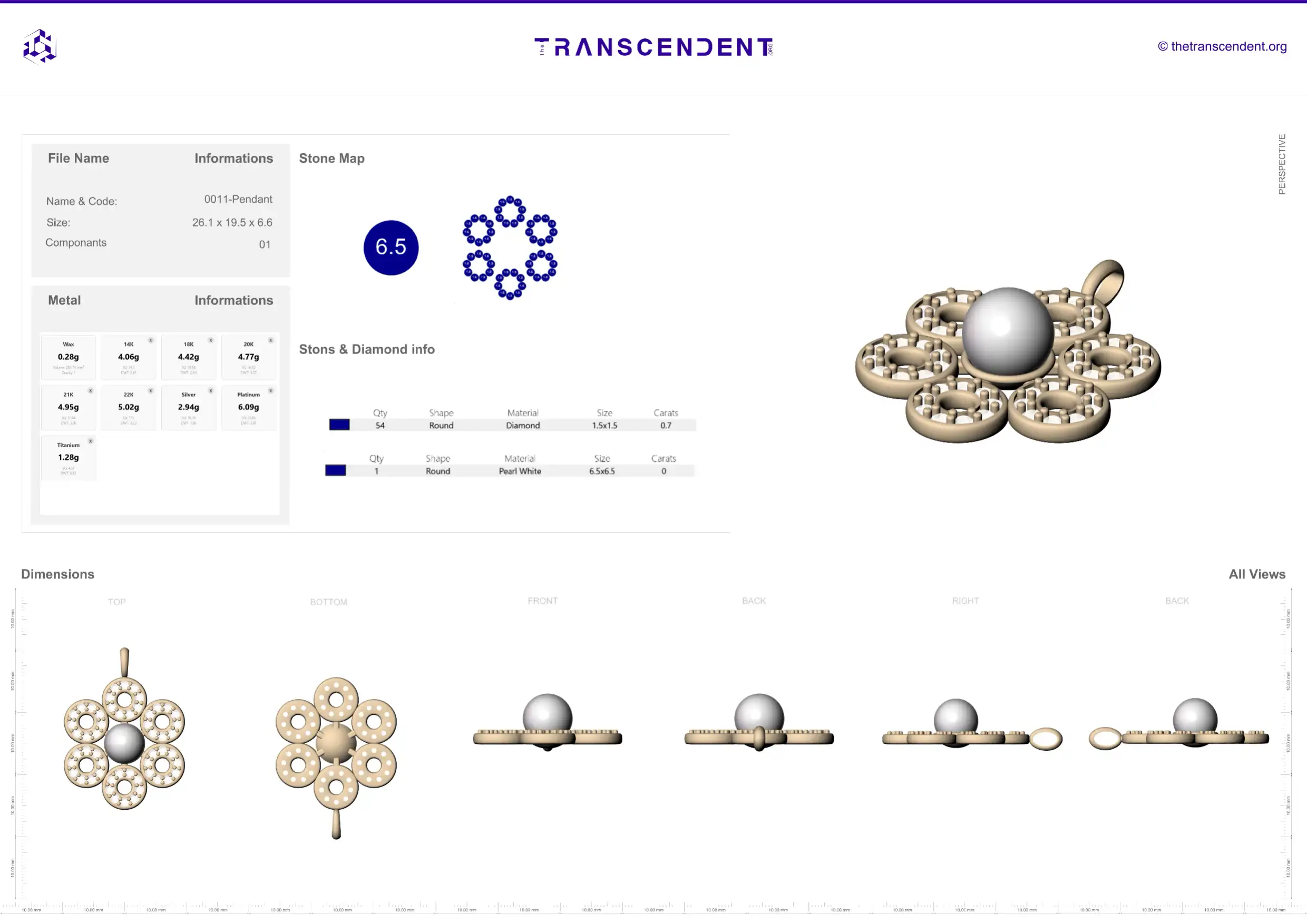
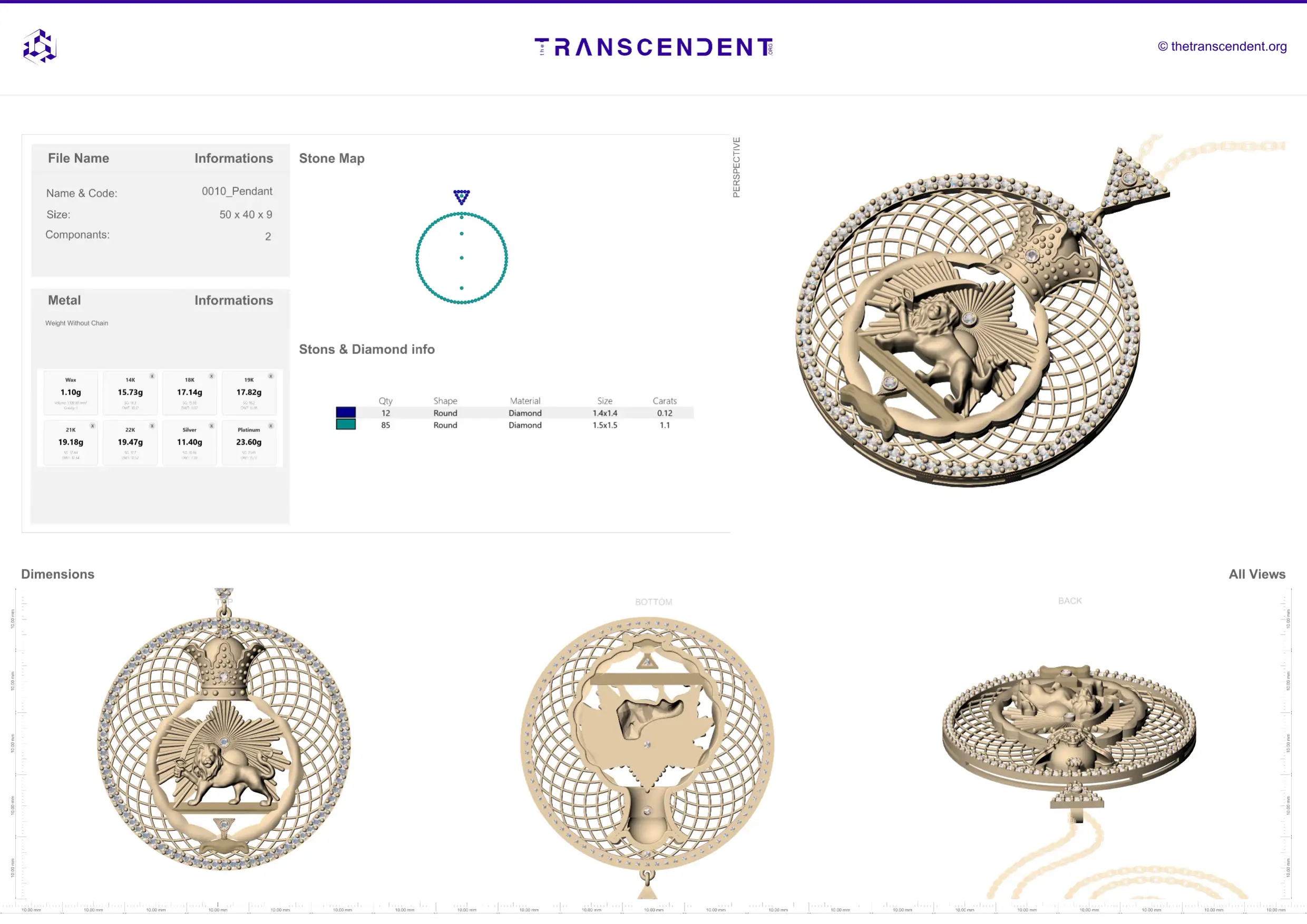
Minimalist 3D render of a textured sphere showcasing bump, normal, and displacement maps, surrounded by floating texture swatches and a glowing material editor interface, soft gradient background, clean geometric style, 2D vector, 1.6 ratio, ultra-high detail, sharp edges, flat colors, no photorealistic elements, –v 5 –style 4a