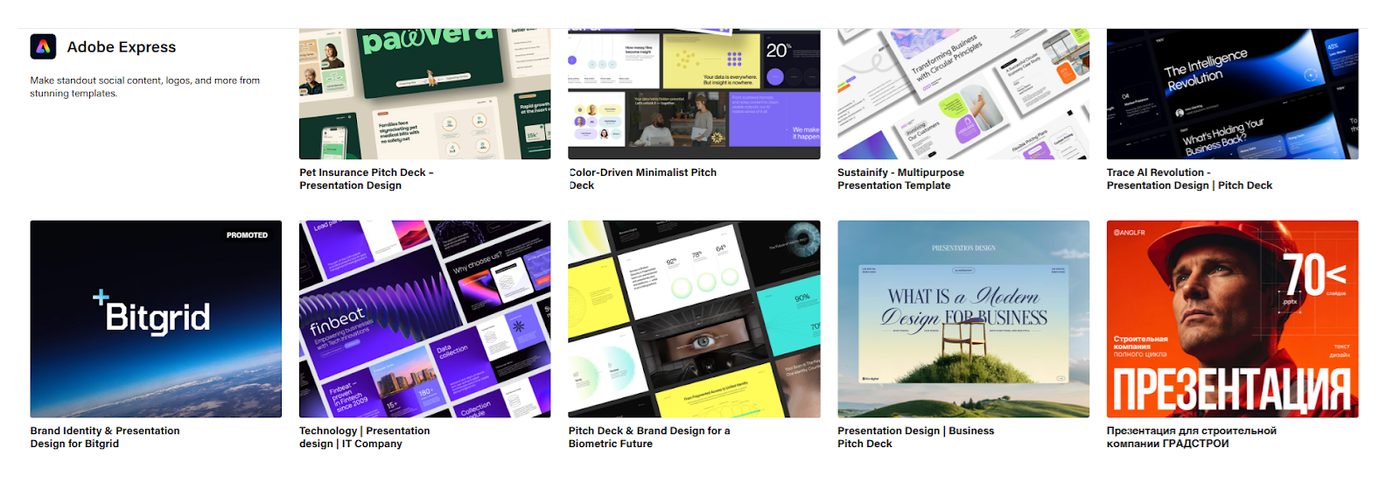



Imagine landing on a blog or store archive and seeing not just static featured images, but dynamic, visually engaging sliders and videos. These elements immediately grab your attention, tell a story, and entice you to click for more. This approach transforms your website from functional to unforgettable, ensuring it stands out in a crowded digital space.
Introduction: Option 1.
In the dynamic world of WordPress, the default featured image functionality, while effective, often falls short when you want to captivate your audience with interactive and multimedia-rich content. This blog explores how Elementor Pro, combined with custom features, allows you to replace the traditional featured image with stunning sliders or videos that engage users directly from your archive pages. Whether you’re running a blog, portfolio, or online store, this strategy enhances user experience and boosts engagement.
Key Highlights:
-
Why Enhance the Featured Image Section?
-
Learn why the default single featured image might limit your content’s appeal.
-
How replacing it with slides and videos can boost time-on-page and click-through rates.
-
-
Elementor Pro as the Game-Changer:
-
Explore how Elementor Pro enables you to bypass default limitations.
-
Learn about widgets like Image Carousel and Video Player, and how to dynamically link them to your custom fields.
-
-
Step-by-Step Guide to Implementation:
-
Set up custom fields with the Advanced Custom Fields (ACF) plugin.
-
Replace the featured image section in your Elementor templates.
-
Configure widgets to ensure responsiveness across all devices.
-
-
SEO Benefits of Featured Image Sliders:
-
How image sliders with descriptive alt texts and engaging videos improve SEO rankings.
-
The impact of higher engagement on reducing bounce rates.
-
-
Final Tips for Better Results:
-
Ideas for using sliders and videos effectively based on audience and content type.
-
Maintaining site performance and optimizing media for faster load times.
-
Introduction: Option 2.
When using Elementor Pro, the default WordPress post editor limits you to just one featured image option. However, with Elementor Pro’s flexibility, you can bypass this limitation by customizing your post templates. Here’s how you can display videos and sliding images in the featured image section:
1. Set Up Custom Fields
-
Install and activate the Advanced Custom Fields (ACF) plugin.
-
Create a new custom field group to add multiple images and videos to your posts.
-
For example, you can add fields like “Image Slider” (for multiple image uploads) and “Feature Video” (for video URLs or files).
-
2. Customize the Post Template
-
In Elementor Pro, go to Templates > Theme Builder and create a Single Post Template.
-
Add a Section to replace the default featured image section.
-
Use the following widgets:
-
Image Carousel: Set it to pull images dynamically from your custom “Image Slider” field created via ACF.
-
Video: Set it to pull the video dynamically from the “Feature Video” custom field.
-
3. Display on Archive Pages
-
Similarly, in the Elementor Theme Builder, create or edit your Archive Template.
-
Replace the Featured Image widget with an Image Carousel and/or Video widget, ensuring they pull content dynamically from your custom fields.
4. Ensure Responsiveness
-
Configure the carousel and video widgets to be responsive so they look great on both desktop and mobile archive pages.
By integrating Elementor Pro and ACF, you can gain complete control over the design and functionality of your featured image section, allowing you to showcase videos and sliders directly in archive views.
A modern and sleek web interface featuring a dynamic slider with glowing effects, displaying images and a vibrant video thumbnail. The design is minimalistic, responsive, and user-friendly, set against a soft, gradient background with hints of blue and purple