
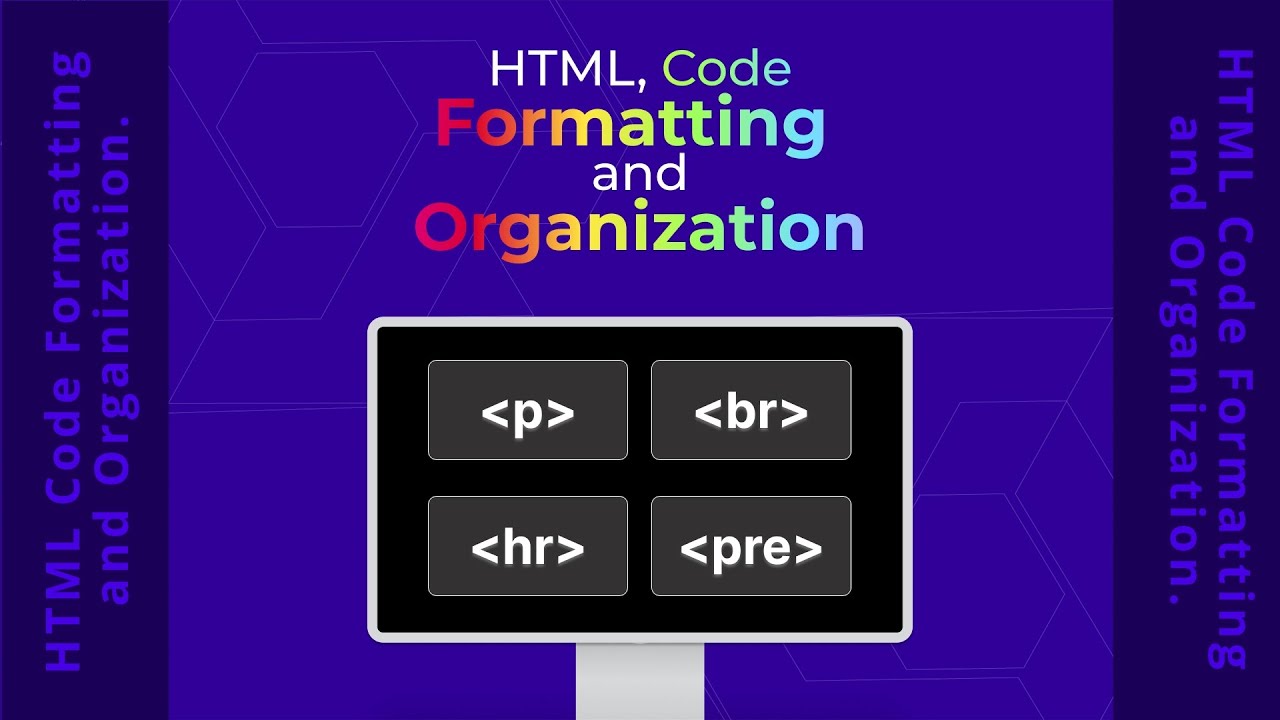



Master HTML Code Formatting and Clean Structure
Write Code That Speaks to Humans and Machines Alike
In the digital architecture of the web, the difference between a functional site and a professional masterpiece lies in the invisible structure of the code. We often focus on what the user sees, but at The Transcendent, we recognize that the quality of your HTML file determines the longevity and maintainability of your project. This chapter explores the nuances of code organization, from the browser's handling of whitespace to the historical evolution of tag casing.
Understanding how browsers interpret (and ignore) whitespace.
Mastering the syntax and strategic use of HTML comments.
Decoding the shift from Uppercase to Lowercase standards.
Analyzing the history of self-closing tags and memory constraints.
The Mystery of the Invisible Gap
HTML is remarkably flexible regarding how you arrange your text. For the vast majority of elements, the web browser acts as a minimalist editor: it neglects extra gaps, blank spaces, and "enter" key presses. It effectively collapses multiple spaces into a single lone space. While this makes the structure accommodating, it means your visual indentation in the code editor is strictly for human clarity, not browser rendering.
Whitespace is preserved in:
<pre>elements<code>snippets<textarea>inputs- Elements styled via CSS
white-space
Always format your code with logical indentation even if the browser ignores it. This allows your team to navigate the DOM tree at a glance, reducing cognitive load during debugging.
Communication Through Comments
We use comments to leave a trail of breadcrumbs for our future selves. In HTML, remarks are wrapped in a specific syntax that ensures the browser treats them as non-existent.
Modern text editors like CodePen or VS Code will automatically dim these segments. This visual assistance is a significant advantage; if a feature isn't functioning, you can quickly see if it has been "noted out" by mistake.
Evolution of Casing: The Shift to Lowercase
When HTML first emerged, capitalization was a common trend. You might still encounter legacy websites written in all-caps (e.g., <BODY>). However, as the web matured, the community reached a consensus: lowercase is superior. While browsers remain case-insensitive and will accommodate either method, lowercase has become the established practice because it is significantly easier on the eyes and reduces visual strain during long coding sessions.
From Bits to Words: Why Tag Lengths Changed
Have you ever wondered why we use <p> for paragraphs but <article> for content? The answer lies in the history of computer memory. In the late 1980s and early 1990s, developers fought for every byte. With machines possessing a mere 1 MB of RAM and 20 MB of disk space, every letter added to a file size mattered.
As memory became cheap and abundant, the priority shifted from efficiency of storage to efficiency of communication. Newer elements use full English words because they are immensely easier for developers to understand and organize.
| Element Type | Example | Era / Logic |
|---|---|---|
| Legacy (Short) | <p>, <b>, <i> | High memory constraint (1990s) |
| Modern (Semantic) | <section>, <video> | Readability priority (2010s+) |
| Self-Closing | <img>, <br> | Void elements with no content |
The Golden Nugget
Consistency is more important than the rule itself. Whether you choose to use self-closing slashes or specific indentation, ensure your entire team follows the same blueprint to keep the codebase clean and predictable.