



Chapter Resources:
https://codepen.io/01_Trans-Cendent/pen/JooYbrd
All Resources:
https://codepen.io/collection/KwdZdm
HTML Paragraphs: Complete Guide for Beginners Description: Learn HTML paragraphs from scratch! In this tutorial, you'll master the p tag, understand proper syntax, and learn best practices for web development. Tags: HTML tutorial, web development, coding for beginners, HTML paragraphs, p tag tutorial, web design, frontend development, HTML basics, learn HTML, programming tutorial
HTML Paragraphs: Complete Guide for Beginners Description: Learn HTML paragraphs from scratch! In this tutorial, you'll master the p tag, understand proper syntax, and learn best practices for web development. Tags: HTML tutorial, web development, coding for beginners, HTML paragraphs, p tag tutorial, web design, frontend development, HTML basics, learn HTML, programming tutorial
HTML Paragraphs
What Are HTML Paragraphs? A Complete Beginner's Guide
HTML paragraphs are the fundamental building blocks of web content. Whether you're creating a blog post, website, or any web page, understanding HTML paragraphs is essential for proper web development.
What is the HTML Paragraph Tag?
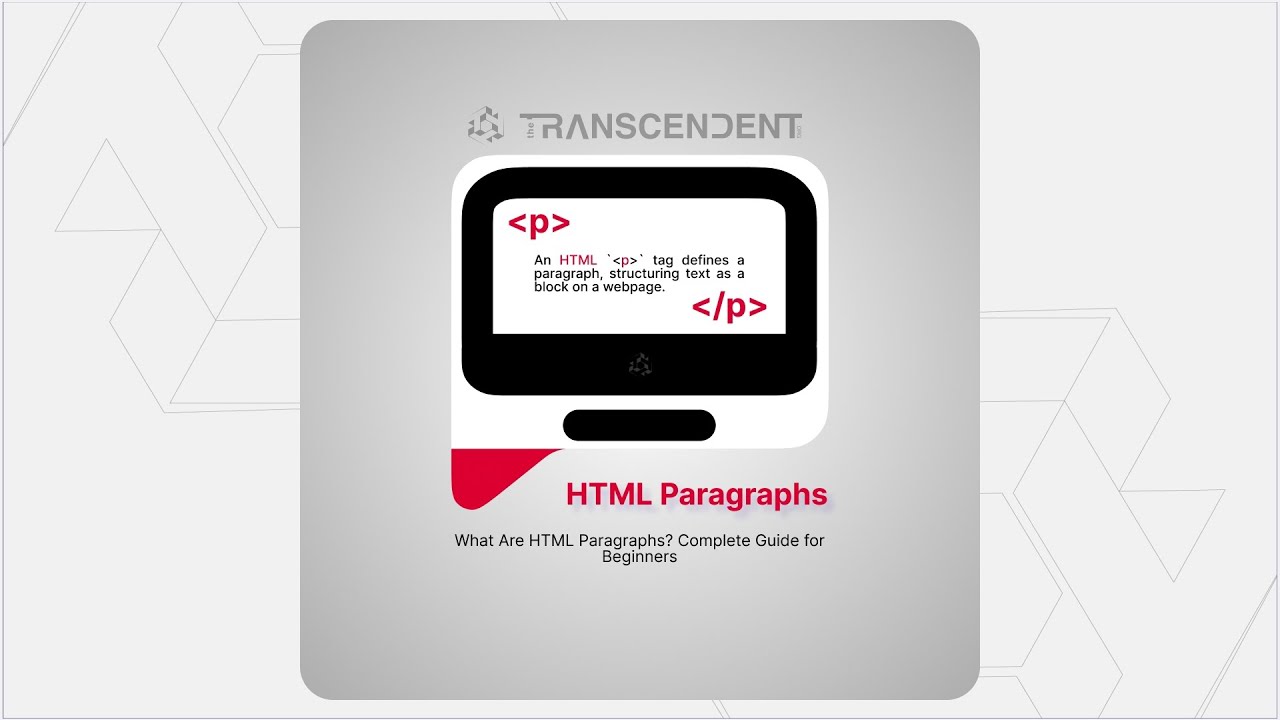
The HTML paragraph tag <p> is used to define a paragraph of text on a webpage. It's one of the most commonly used HTML elements and forms the foundation of readable web content.
Basic Syntax:
<p>This is a paragraph of text.</p>
Key Features of HTML Paragraphs:
- Opening Tag:
<p>- Marks the beginning of a paragraph
- Opening Tag:
- Content: The actual text content
- Closing Tag:
</p>- Marks the end of a paragraph
- Closing Tag:
How to Write HTML Paragraphs: Step-by-Step
Step 1: Basic Paragraph Structure
<p>Welcome to web development! This is your first paragraph.</p>
Step 2: Multiple Paragraphs
<p>This is the first paragraph of content.</p>
<p>This is the second paragraph with different information.</p>
Step 3: Paragraphs with Emphasis
<p>This paragraph contains <strong>important</strong> and <em>emphasized</em> text.</p>
Best Practices for HTML Paragraphs
- Always Close Your Tags: Never forget the closing
</p>tag
- Always Close Your Tags: Never forget the closing
- Use Semantic HTML: Paragraphs should contain related sentences
- Keep It Readable: Break long content into multiple paragraphs
- Accessibility: Use proper paragraph structure for screen readers
Common Mistakes to Avoid
Don't use <p> tags for spacing - use CSS instead
Don't nest paragraphs inside each other
Always include closing tags
Don't use empty paragraphs for layout
SEO Benefits of Proper Paragraph Structure
Better accessibility scores. Decoding the Web: Understanding the Structure of HTML Elements
Better content readability
Improved search engine understanding
Enhanced user experience