



All Resources:
https://codepen.io/collection/KwdZdm
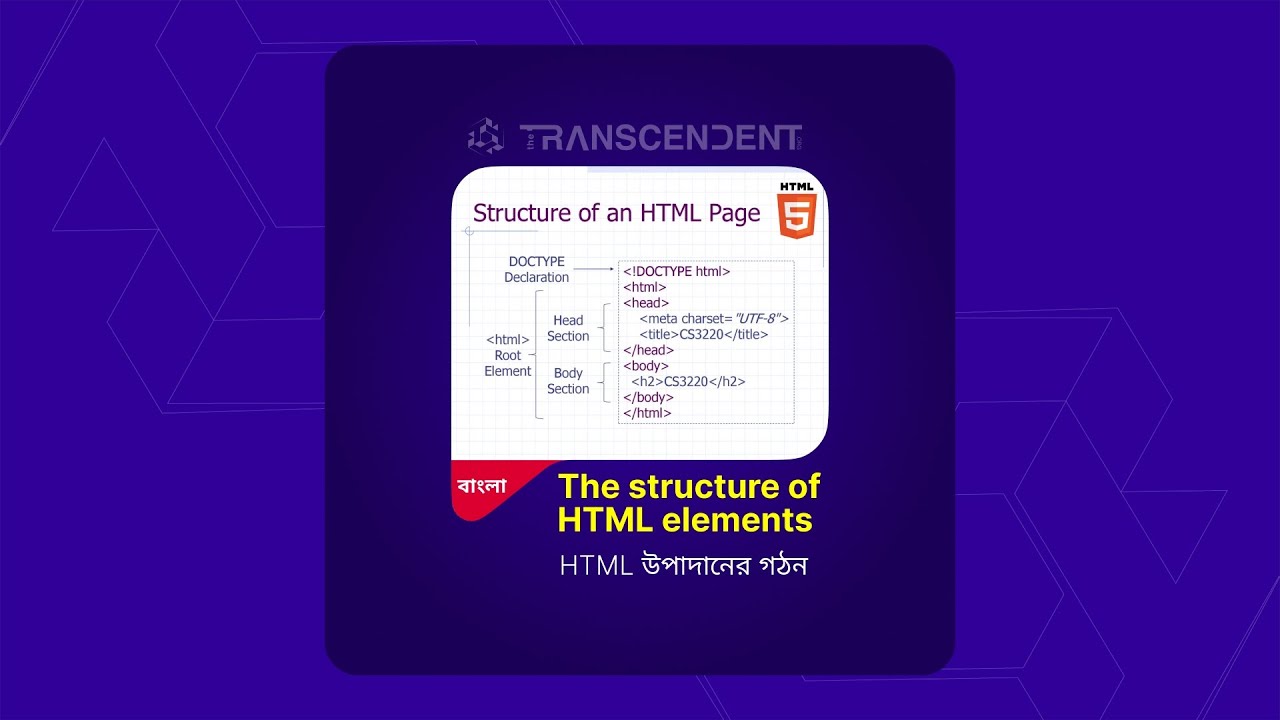
Decoding the Web: Understanding the Structure of HTML Elements
Welcome, aspiring web developers and digital enthusiasts! Ever wondered what lies beneath the surface of every webpage you visit? The answer, in large part, is HTML (HyperText Markup Language). And at the heart of HTML lies the fundamental concept of HTML elements.
In this guide, we'll demystify the structure of these essential building blocks, paving the way for you to understand how web content is organized and interpreted by browsers. Let's dive straight in!
The Simplicity of HTML Tags
At first glance, HTML might seem like a cryptic language of letters and symbols enclosed in angle brackets. As the video aptly demonstrates, the basic unit of HTML is the tag.
Think of a tag as a label that tells the browser what a piece of content is. A paragraph of text, for instance, is typically enclosed within
tags. This simple structure:
HTML
This is a paragraph of text.
illustrates the core concept. The
is opening tag, signaling the beginning of the paragraph, and the is the closing tag, marking its end.
Key takeaway: HTML code predominantly follows this pattern: an opening tag, the content, and a closing tag.
Opening and Closing: The Two Varieties of HTML Tags
As highlighted in the video, there are two main types of tags:
Opening Tags: These tags mark the beginning of an HTML element. They consist of a less-than symbol (<), followed by the tag name (like p, h1, article), and a greater-than symbol (>).
Closing Tags: These tags signal the end of an HTML element. They are nearly identical to opening tags but include a forward slash (/) immediately after the less-than symbol (e.g., , , ).
For most HTML elements, these opening and closing tags work together as a pair, encasing the content they define.
The HTML Element: More Than Just Tags
The video correctly points out that the entire structure – the opening tag, the content in between, and the closing tag – is called an HTML element.
HTML
his is a main heading
In this example,
is the opening tag, "This is a main heading" is the content, and
is the closing tag. Together, they form an h1 element, representing a main heading on the webpage.
Not All Elements Are Created Equal: Self-Closing Tags
While most HTML elements come in pairs, it's important to note, as the video mentions, that some elements don't require a closing tag. These are often referred to as self-closing tags or void elements. Examples include the tag for images and the
tag for line breaks.
HTML
We'll delve deeper into these specific tags and their uses in future discussions. For now, understanding the paired structure of most elements is key.
Expressing Meaning and Significance with Markup
The video beautifully explains that HTML markup isn't just about structure; it's about expressing intent and significance. By using specific tags, we provide computers (and especially web browsers) with a way to understand the meaning of our content.
For instance, using the