


Chapter Resources:
https://codepen.io/01_Trans-Cendent/pen/XJmXNRZ
All Resources:
https://codepen.io/collection/KwdZdm
HTML Headings H1, H2, H3, H4, H5, H6, Tags for Better:
Understanding HTML Heading Elements: Building Semantic Hierarchy for Modern Web Development
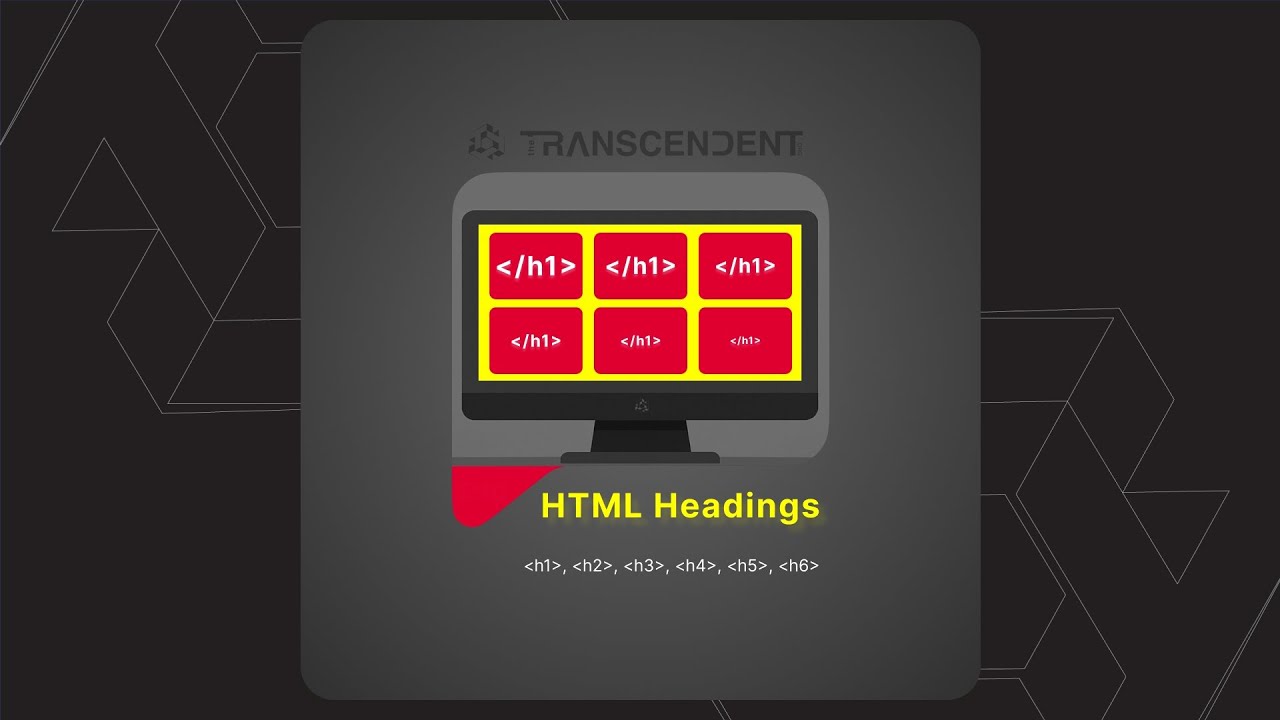
HTML headings are fundamental elements that structure web content, making it accessible to both users and search engines. With six distinct heading levels (H1 through H6), web developers can create organized, hierarchical content that enhances user experience and improves search engine optimization.
The Six HTML Heading Elements
HTML provides six heading elements that create a clear content hierarchy:
H1 - Primary title, largest and most prominent
H2 - Main section headings, secondary level
H3 - Subsection headings, third level
H4 - Sub-subsection headings, fourth level
H5 - Minor section headings, fifth level
H6 - Smallest subheadings, least prominent
Why Heading Hierarchy Matters
Proper heading structure serves multiple critical purposes:
For Users:
Improves content readability and navigation
Helps users quickly scan and understand content structure
Creates visual breaks in long text passages
For Accessibility:
Screen readers use headings to navigate content
Provides auditory structure for visually impaired users
Creates logical content flow for assistive technologies
For:
Search engines use headings to understand content hierarchy
Helps search engines determine page topic and relevance
Improves content indexing and ranking potential
Semantic vs Visual Importance
The key principle in using HTML headings is semantic significance rather than visual appearance. Don't choose heading levels based on size or styling—select them based on content hierarchy and meaning.
Example Structure:
Main Page Title
Major Section
Subsection
Sub-subsection
Real-World Example: News Website Structure
Consider how major publications like The New York Times structure their content:
H1: Section title (e.g., "Dance")
H2: Individual article titles
H3: Content labels (e.g., "Fall Preview")
This creates consistent semantic meaning while allowing CSS to control visual presentation.
Best Practices for HTML Headings
1. Use H1 for Primary Title
Every page should have one primary H1 tag representing the main topic.
2. Create Logical Hierarchy
Follow sequential order: H1 → H2 → H3 → H4 → H5 → H6
3. Don't Skip Levels
Avoid jumping from H2 directly to H5 without intermediate levels.
4. Use CSS for Styling
Control appearance through CSS, not by choosing different heading levels.
5. Consider Screen Reader Navigation
Ensure the heading structure makes sense when read aloud by assistive technology.
Branding Elements Table
ElementPurposeSEO ImpactAccessibilityVisual WeightH1Main page titleCriticalPrimary navigationLargestH2Major sectionsHighSection breaksLargeH3SubsectionsMediumContent organizationMedium-largeH4Sub-subsectionsMediumDetailed structureMediumH5Minor sectionsLowFine detailsSmallH6Smallest headingsLowMinimal structureSmallest
| Element | Purpose | SEO Impact | Accessibility | Visual Weight |
| H1 | Main page title | Critical | Primary navigation | Largest |
| H2 | Major sections | High | Section breaks | Large |
| H3 | Subsections | Medium | Content organization | Medium-large |
| H4 | Sub-subsections | Medium | Detailed structure | Medium |
| H5 | Minor sections | Low | Fine details | Small |
| H6 | Smallest headings | Low | Minimal structure | Smallest |
Planning Your Heading Strategy
When developing a website or design system, invest time in planning how you'll use all six heading levels consistently across your entire site. Consider creating a style guide that defines:
+----------------------------------------------+
| HTML Headings: H1-H6 Mastery | | | |
[ H1 ] <-- Largest, boldest, vibrant | |
[ H2 ] | |
[ H3 ] | |
[ H4 ] | |
[ H5 ] | |
[ H6 ] <-- Smallest, faintest | | | | [SEO icon] [Accessibility icon] |
+----------------------------------------------+
What content types use H1
When to use H2 vs H3
How to handle special cases
Styling guidelines for each level
Conclusion
HTML headings are more than visual elements—they're semantic tools that structure content for users, accessibility, and search engines. By understanding the hierarchy of H1 through H6 tags and implementing them thoughtfully, you create websites that are both user-friendly and search engine optimized. Remember to focus on semantic meaning over visual appearance, and always consider how your heading structure serves users with different needs and abilities.
Master HTML headings H1-H6 for better SEO and accessibility. Learn semantic hierarchy, best practices, and how to structure web content with proper heading elements.
Semantic HTML heading structure creates accessible, search-engine-friendly websites that serve users across all devices and abilities. Proper H1-H6 hierarchy establishes authority in web development while improving user experience and search rankings through meaningful content organization.
FAQ
Q: What is the difference between H1 and H2 tags in HTML? A: H1 is the primary page title (most important), while H2 represents major section headings. H1 should appear once per page, H2 can appear multiple times.
Q: How many H1 tags should I use on a page? A: Use only one H1 tag per page as the main title. Multiple H1 tags can confuse search engines and users about page hierarchy.
Q: Why is HTML heading hierarchy important for SEO? A: Search engines use heading structure to understand content organization, topic relevance, and page importance, which affects search rankings.
Q: Can I skip heading levels (H1 to H3 without H2)? A: No, you should follow sequential order. Skipping levels creates confusing structure for screen readers and search engines.
Q: How do screen readers use HTML headings? A: Screen readers allow users to navigate by headings, jumping between H1, H2, H3 levels to quickly understand and move through content.
Q: Should I choose headings based on size or meaning? A: Always choose headings based on semantic meaning and content hierarchy. Use CSS to control visual appearance and sizing.
Q: What are the best practices for HTML heading structure? A: Use one H1 per page, follow logical hierarchy (H1→H2→H3), don't skip levels, and focus on semantic meaning over visual styling.
Q: How do HTML headings affect website accessibility? A: Proper heading structure creates navigation landmarks for screen readers, helping visually impaired users understand and navigate content efficiently.
HTML heading best practicesUnderstanding HTML Elements: The Building Blocks of Web Pages
What are HTML Tags? HTML tags are like labels that tell the browser what each piece of content is. They're written inside angle brackets like p for paragraphs or h1 for headings.
HTML headings H1 H2 H3
HTML heading hierarchy
semantic HTML structure
HTML headings SEO
web accessibility headings